Your shelf, your words.
A shelf lined with the books you want to share. Side by side, those books begin to tell a new story.
New shelves
- 14
- Shelves
- 94
- Books


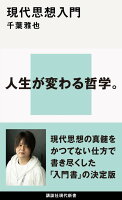
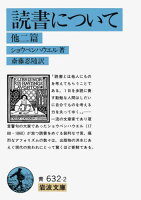

How it works
Find, arrange, and talk.
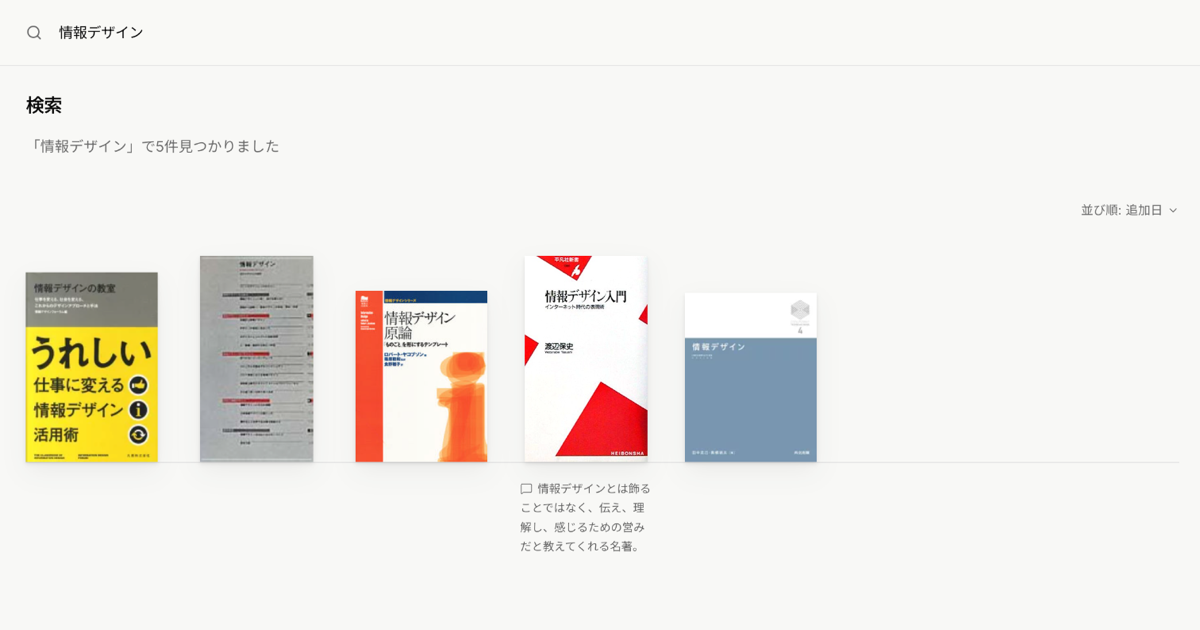
Find a book and add it
Search by title or ISBN to add a book. Bibliographic details and cover images come from Google Books and OpenBD.
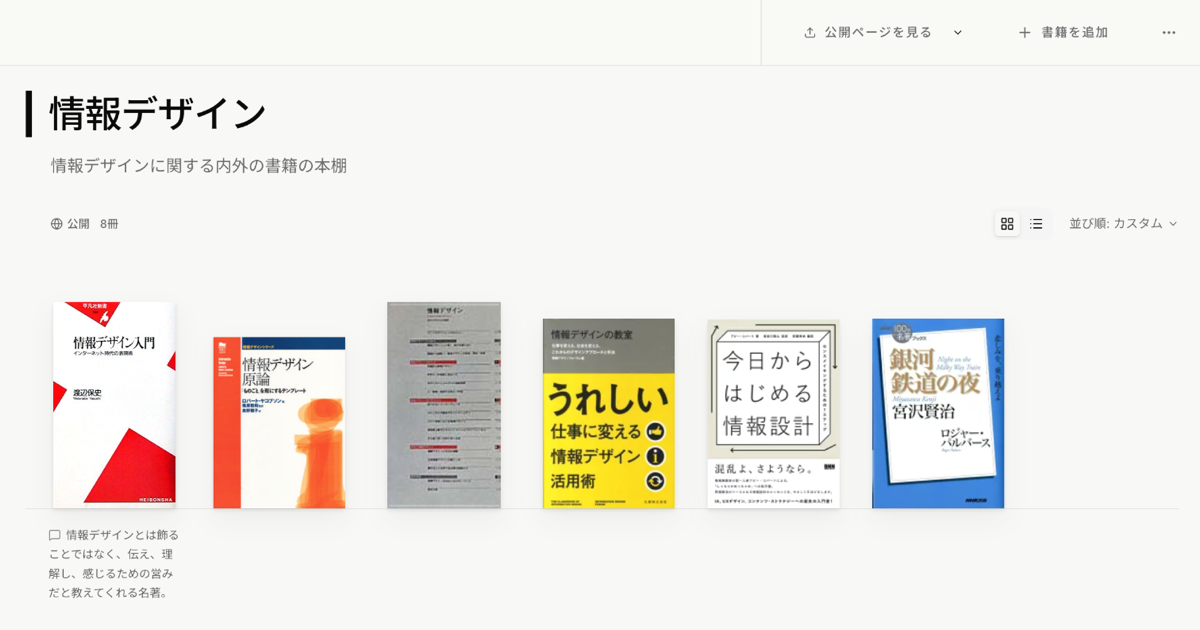
Gather them on a shelf
Make a shelf for each theme and put the books in any order you like. A name, a description and tags give each shelf its character.
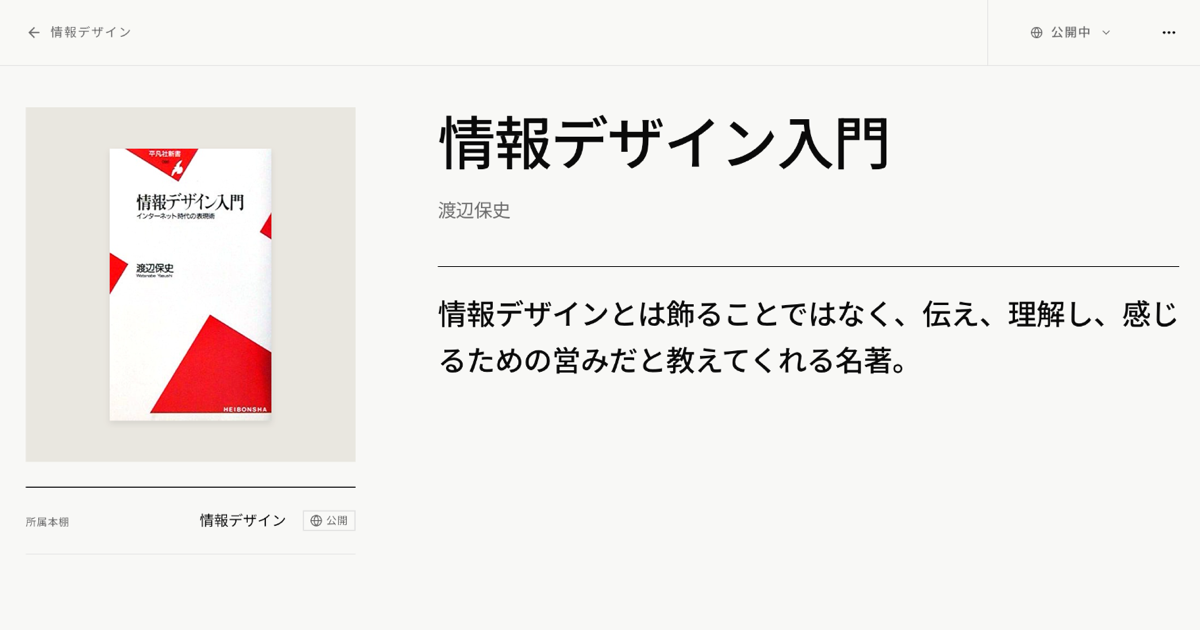
Add a few words
Write a short review or a quotation for each book. Your words appear right under the cover on the shelf.
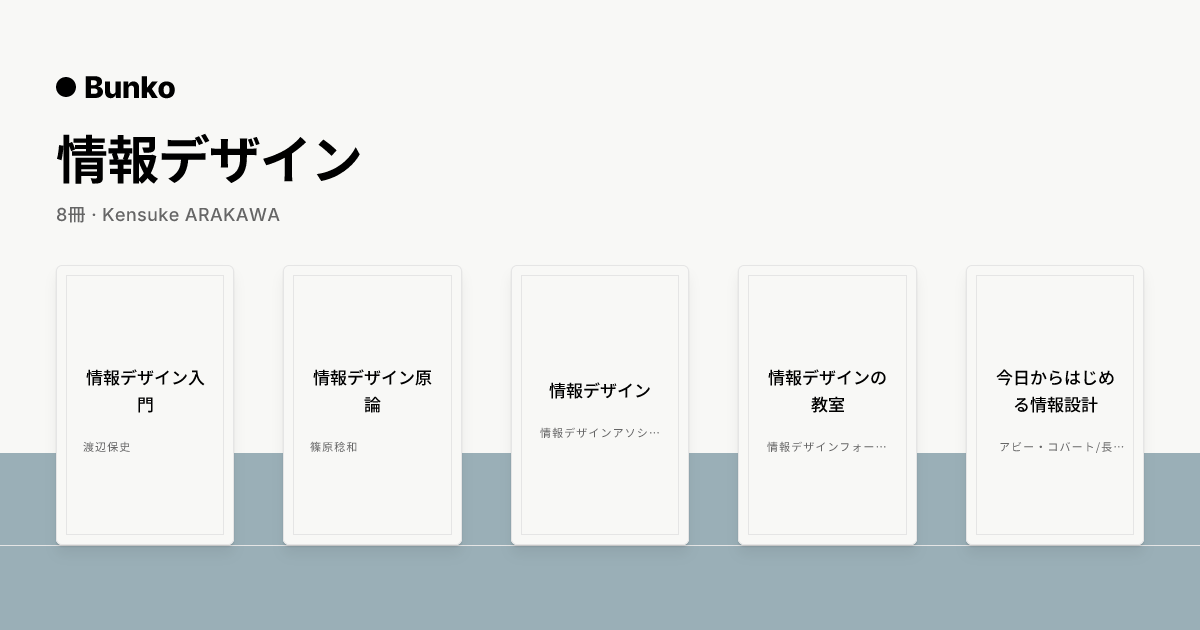
Publish it and talk
Publish only the shelves you want to, and share them by URL. Posted on social media, a shelf shows up as a card with its name and book covers. You can stop publishing at any time.
Getting started
For now, Bunko runs on invitations.
For now, only people who have received an invitation can sign up. If you do not have one, get in touch through the contact form.
You can enter your invite code on the sign-up page.